Pave the Road Codes
Working promo codes, rewards, and how to redeem them in-game.
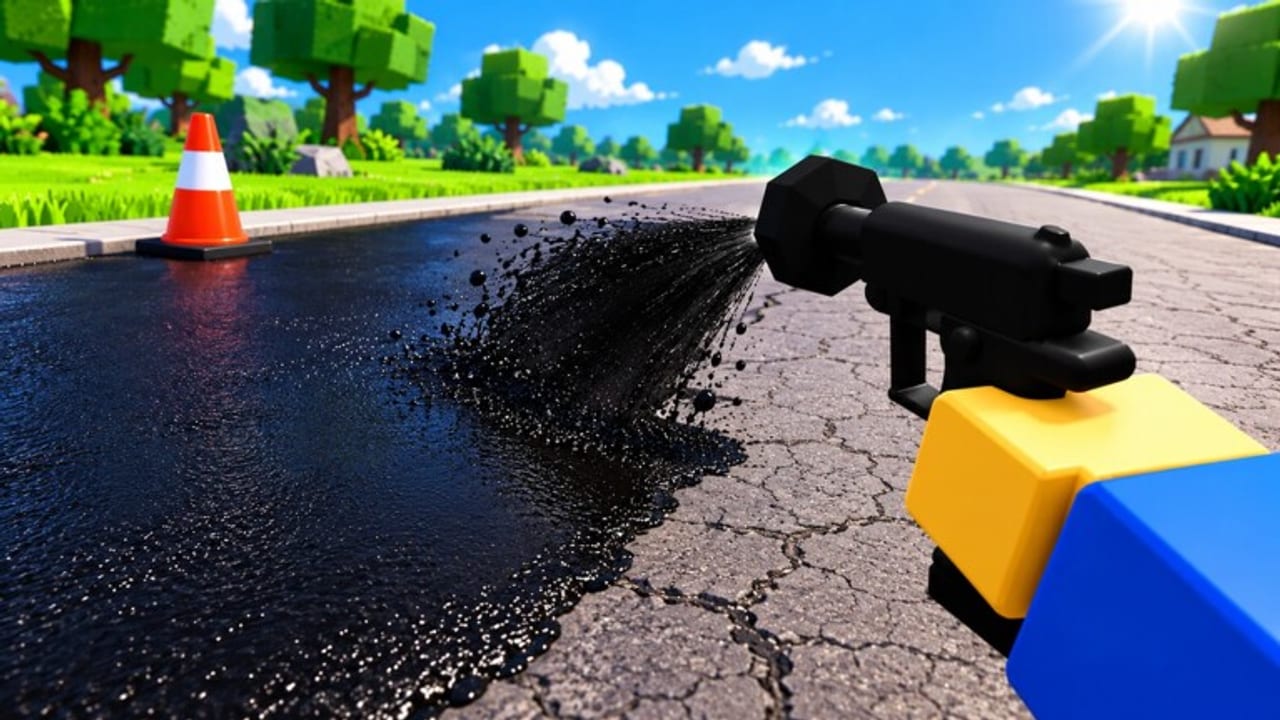
Looking for working Pave the Road codes in Roblox? This hub lists every active promo code we track, what each code gives you, and the exact in-game steps to redeem. Codes are one of the fastest ways to jump ahead in this incremental road-sealing simulator—especially early, when Gems and free spins unlock better rollers, Pave Bombs, and perk rolls before your town is fully sealed.
Pave the Road is developed by the verified Roblox group Seal the Road. Progress now saves between sessions, so rewards you claim from codes stick with your account. Servers hold up to 20 players, which makes co-op paving easier once you have extra Gems from a good redeem.
Use this page together with the Getting Started guide, the Upgrades guide, and the Updates hub so you know when new codes drop after events or chapter patches.
Active codes (November 2026)
| Code | Rewards | Notes |
|---|---|---|
| DIGBY | 300 Gems + 2 free spins | Case-sensitive. First known public code. Active as of Nov 2026. |
Enter DIGBY exactly as shown. Extra spaces, wrong capitalization, or typing “Digby” / “digby” will usually fail. If a code stops working, move it to the expired section below after you confirm it in-game.
Why DIGBY matters
Three hundred Gems is a meaningful early boost for rollers, machines, and shop buys. Two free spins help you roll perks without burning your own spin currency. Pair the redeem with a short paving session so you spend Gems on upgrades that speed Dig Stash loops and pothole clears—see Dig Stash and Refills and the Tier List Hub for priority targets.
DIGBY is also thematically tied to seasonal content: the DIGBY’S REVENGE event (November 7–10, 2026) featured crates and limited items. Even after that window, the code itself remained the main free Gem injection for new and returning players. Check the Events and Crates guide when limited drop events return.
How to redeem codes
- Join Pave the Road on Roblox and wait until your character loads into the town.
- Look for the Codes button on the right side of the screen (PC and most mobile layouts).
- Tap or click Codes to open the redeem panel.
- Type the code carefully—DIGBY is case-sensitive.
- Press Redeem and wait for the confirmation toast or reward popup.
- Open your inventory / currency UI and confirm Gems and spins increased before you leave the server.
If nothing happens, leave and rejoin once, then try again. Do not spam Redeem; wait a few seconds between attempts so the server can process the request.
Where new codes usually appear
Seal the Road and the community typically surface new codes in a few places. Bookmark them so you are not waiting on this wiki alone:
- Roblox game description — developers often paste new codes in the place description when a job, event, or chapter goes live.
- Like / favourite prompts — some codes or “new job” announcements are tied to social actions on the Roblox page (like and favourite the experience so you see updates).
- In-game banners and UI — event HUDs, crate shop panels, or right-side buttons may hint that a code is active.
- Group / experience updates — follow the Seal the Road group and the experience page for patch blurbs.
- This Codes Hub — we refresh the active table when a code is confirmed working.
When the UPDATE / NEW CHAPTER wave went live around November 14–17, 2026, players checked the description and event UI first. Make that habit after every major patch listed on the Updates Hub.
Troubleshooting failed redeems
“Invalid” or no reward
- Confirm spelling and capitalization: DIGBY, not Digby.
- Remove leading or trailing spaces.
- Make sure you are in the correct experience (UniverseId 10766345722 / place Pave the Road).
- Rejoin the server; stale sessions sometimes fail to sync redeem state.
- Check whether the code already expired or was already claimed on this account.
Button missing
- Resize the window or rotate mobile devices; the Codes control sits on the right side and can sit under other UI on small screens.
- Wait until the tutorial / first load finishes so the full HUD appears.
- If you use custom UI scales or third-party overlays, hide them and retry.
Rewards not showing
- Progress saves, but currency UI can lag a second after Redeem.
- Switch tabs (shop, inventory, spins) to force a refresh.
- Soft rejoin if Gems stay flat after a successful-looking toast.
Already redeemed
Most Roblox experience codes are one-time per account. If DIGBY already paid out, you will not get a second 300 Gems + 2 spins from the same code.
Best ways to spend DIGBY rewards
Treat the 300 Gems as acceleration, not an endgame wallet:
- Unlock the next roller or machine tier that clearly shortens seal time—see Upgrades and the Tier List.
- Stock Pave Bombs if your refill and Dig Stash loop is already stable.
- Use the two free spins on perk rolls that improve Sealer value, speed, or cooldown before dumping Gems into random cosmetics.
- Coordinate with friends on a 20-player server so your Gem-funded tools help clear shared town roads faster—see Players Hub.
Avoid burning the entire Gem stack on low-tier impulse buys right after redeeming. A short paving circuit after redeem shows which bottleneck (potholes, drums, refill, roll speed) actually needs the spend.
Expired or inactive codes
No previously tracked codes are listed as expired yet beyond unconfirmed community typos. When DIGBY or future codes stop redeeming, they move here with the last-known reward text so players stop retrying dead strings.
If you find a new working code before we do, verify it yourself first (right-side Codes button → Redeem), then cross-check the Roblox description so fake copy-paste lists do not waste your time.
Codes and the wider wiki
Codes are only one growth lever. After redeeming:
- Learn efficient routes in How to Pave.
- Keep Dig Stash and drums topped using Dig Stash and Refills.
- Track chapter and event timing on Updates and Events and Crates.
- Read the Scripts Hub only if you understand Roblox ToS and ban risk—codes themselves need no executors.
Stay on this page for the live table; refresh after major November chapter patches and any Digby-branded events so you never miss the next Gem drop.
Frequently Asked Questions
Quick answers to the most common Pave the Road questions.
What is the active Pave the Road code right now?
As of November 2026, DIGBY is the main active code. It grants 300 Gems and 2 free spins. Enter it exactly with that capitalization.
How do I redeem DIGBY in Pave the Road?
Open the Codes button on the right side of the screen, type DIGBY, and press Redeem. Confirm Gems and spins updated before you leave.
Is DIGBY case-sensitive?
Yes. Use DIGBY in all caps. Variants like Digby or digby commonly fail.
Where do new Pave the Road codes get posted?
Check the Roblox game description, like/favourite prompts on the experience page, in-game event UI, and this Codes Hub after updates.
Why did my code say invalid?
Common causes are wrong capitalization, extra spaces, an already-claimed code, an expired code, or a stale server session. Rejoin and retry carefully.
Do code rewards save between sessions?
Yes. Pave the Road progress saves between sessions, so redeemed Gems and spins persist on your account after a successful redeem.